RentalOS Registration
Register your application with DIMO's RentalOS for fleet and rental use cases.
What is RentalOS?
RentalOS is DIMO's purpose-built integration layer for rental and fleet operators. It provides the identity, permission, and telemetry primitives you need to manage a fleet of vehicles — tracking availability, accessing real-time data, and handling driver authorization — on top of the DIMO Network.
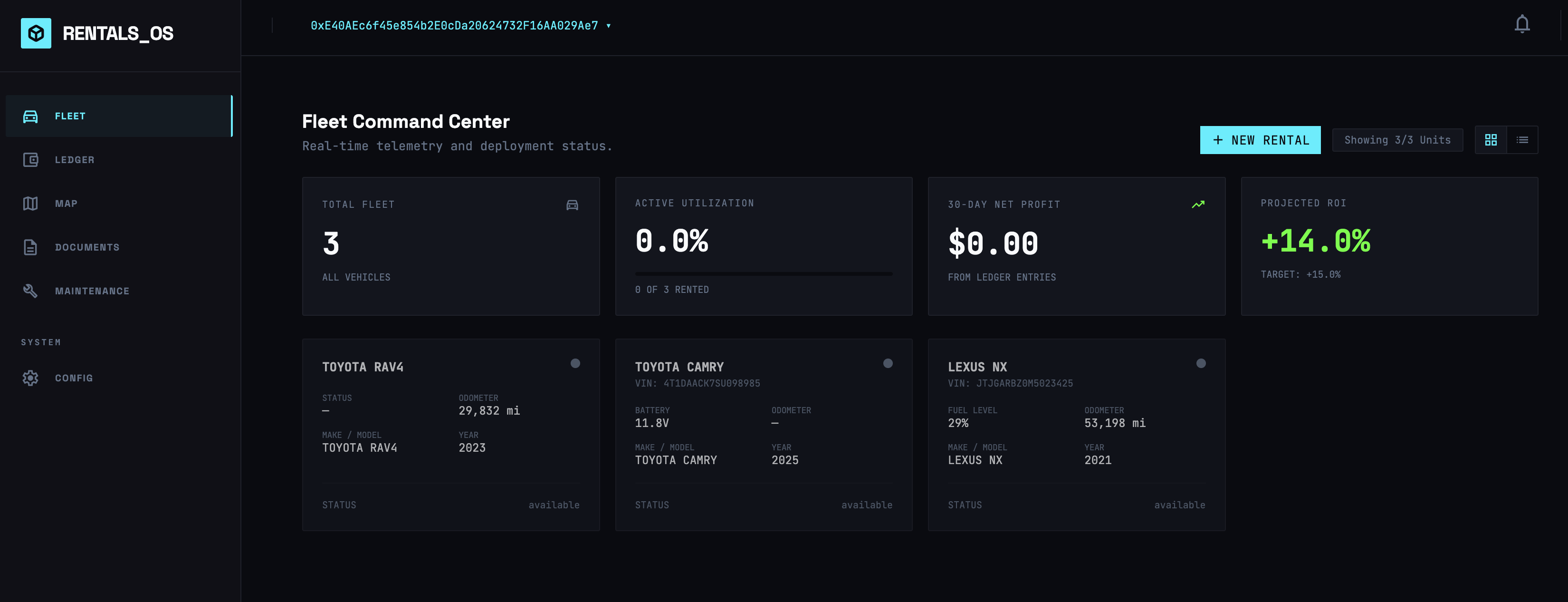
Registering your application with RentalOS gives you access to fleet-specific APIs and management tooling in the Developer Console.
How It Works
RentalOS Registration
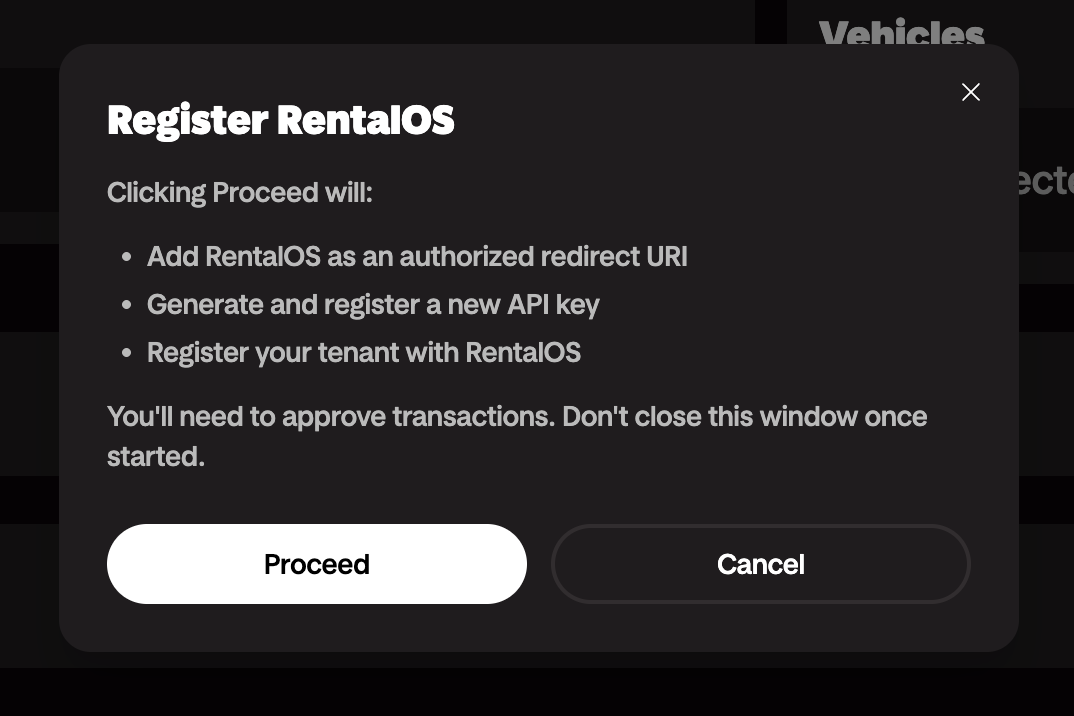
Log in to the Developer Console, navigate to your Developer License, and click on Register RentalOS under API keys.

Configure Fleet Permissions
Grant all the necessary permissions from your fleet of vehicles to your developer license.
Login to RentalOS
That's it! Your developer license is now registered with RentalOS and you can access all connected vehicles in RentalOS.