Login with DIMO Configurator
Customize the Login with DIMO experience for your application's users.
What is the Login with DIMO Configurator?
The Login with DIMO Configurator lets you customize the authentication and vehicle connection flow that your end users see when they connect their vehicles to your application. Configure branding, requested permissions, and redirect behavior — all from the Developer Console.
How It Works
Open the Configurator
Log in to the Developer Console, navigate to your Developer License, and click on the Configure Vehicle Sharing OR simply click on the configurations link on your license card on the homepage.
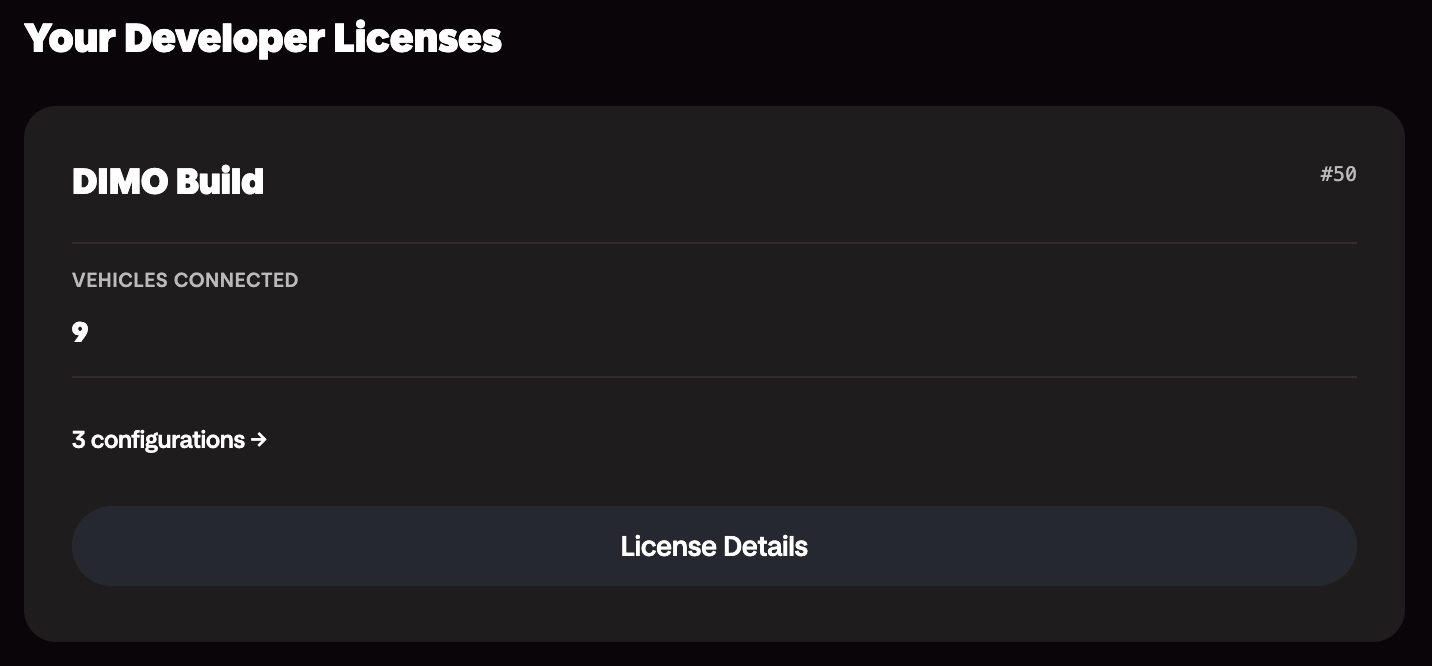
Create a New Configuration
Create a new configuration by clicking the New Configuration button.
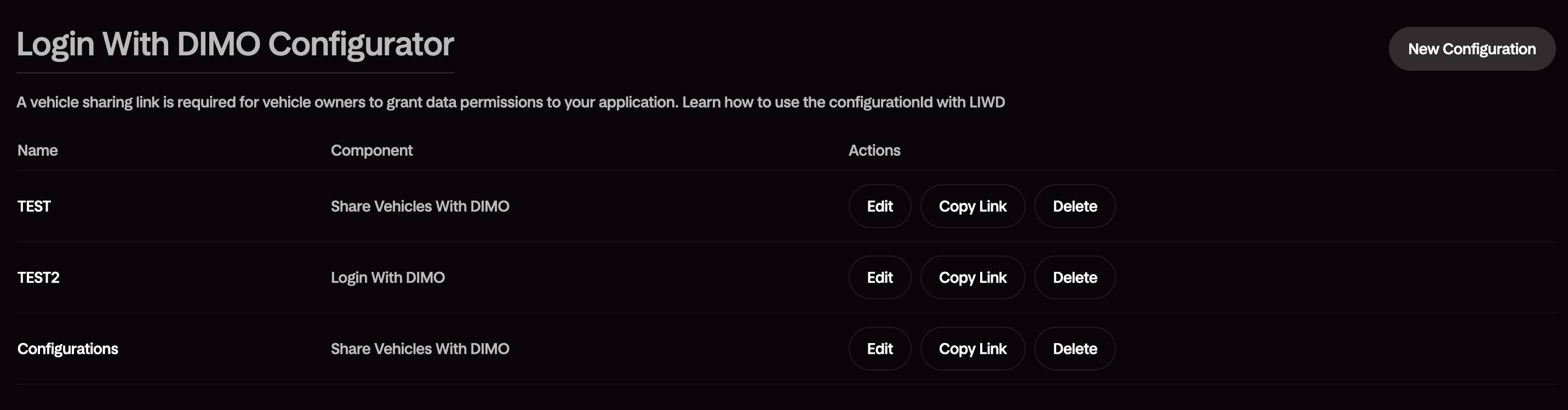
Configure Your Settings
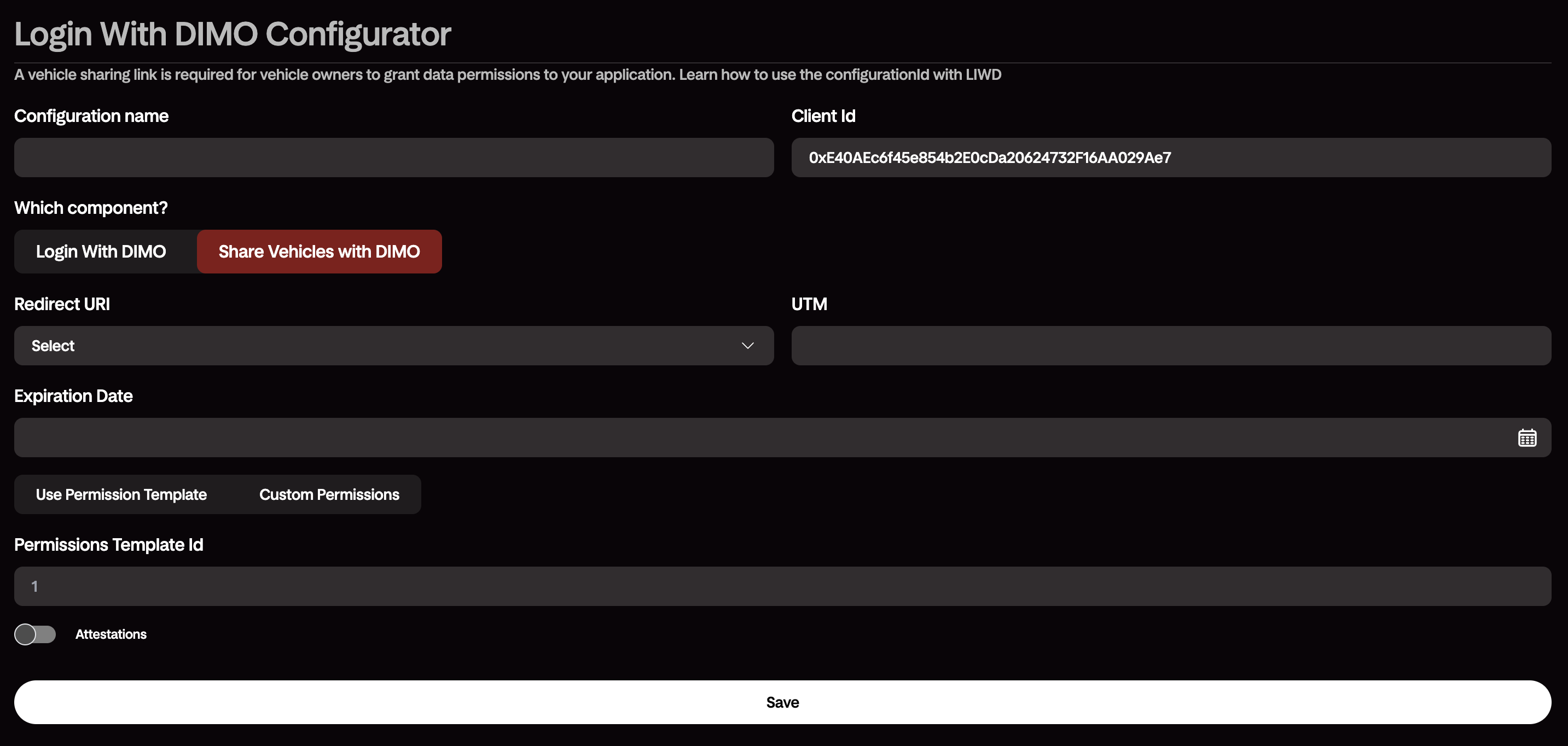
Save and Build
Save your configuration and start building your application. The generated link will load the configured Login with DIMO experience and cater to your user experience.
Using the Generated Configuration
The configurator outputs a ready-to-use configuration for the DIMO Client SDK. Drop it into your frontend and the Login with DIMO button is ready to go.