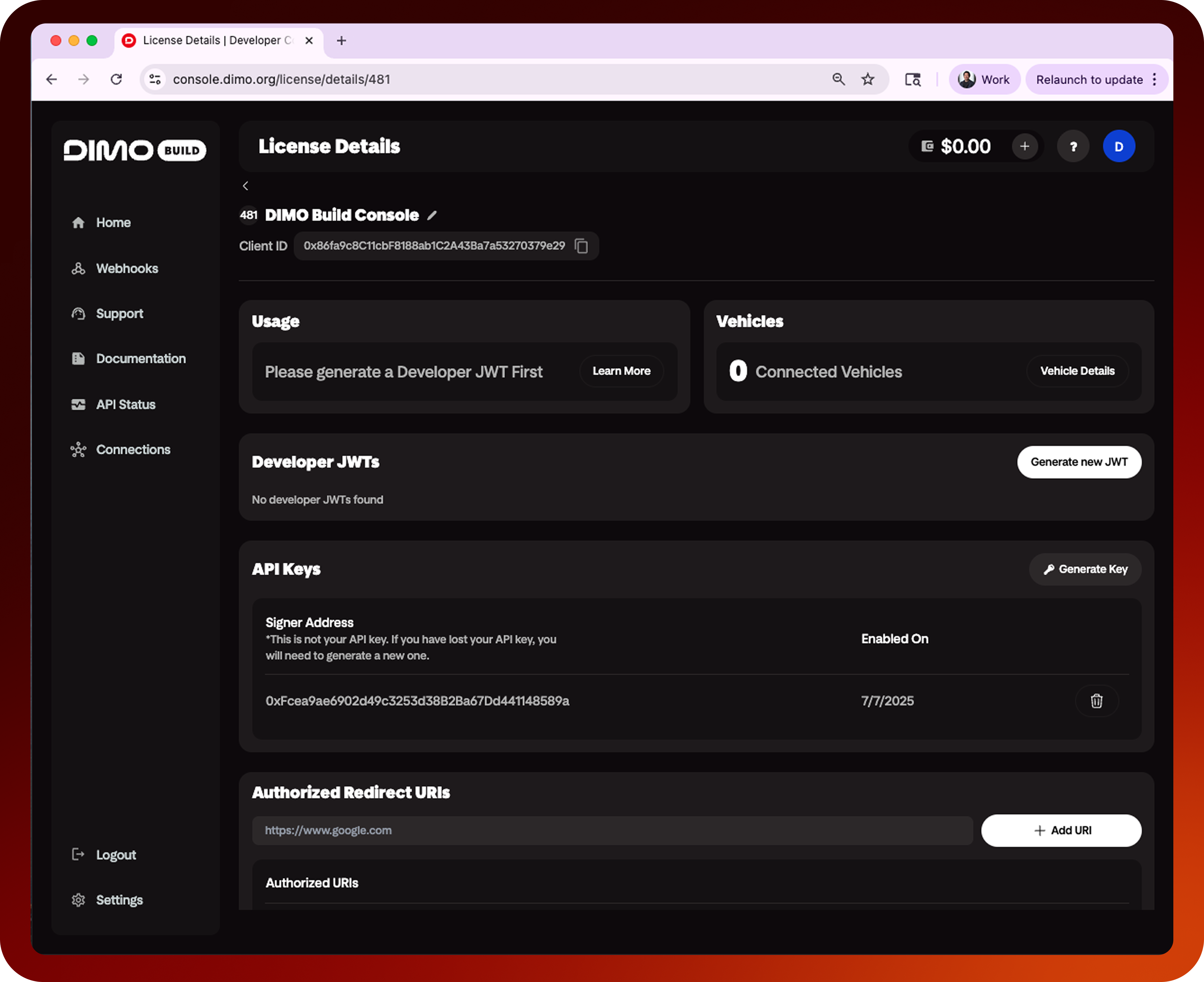
Register a Developer License
Register your DIMO Developer License
Before accessing the DIMO APIs, you will need to obtain and configure a Developer License.
Developer Licenses are FREE, and the name that you give your license is public and unique amongst the DIMO Network.
How It Works
Login
Login to your DIMO Account via the Console.
Create Your License
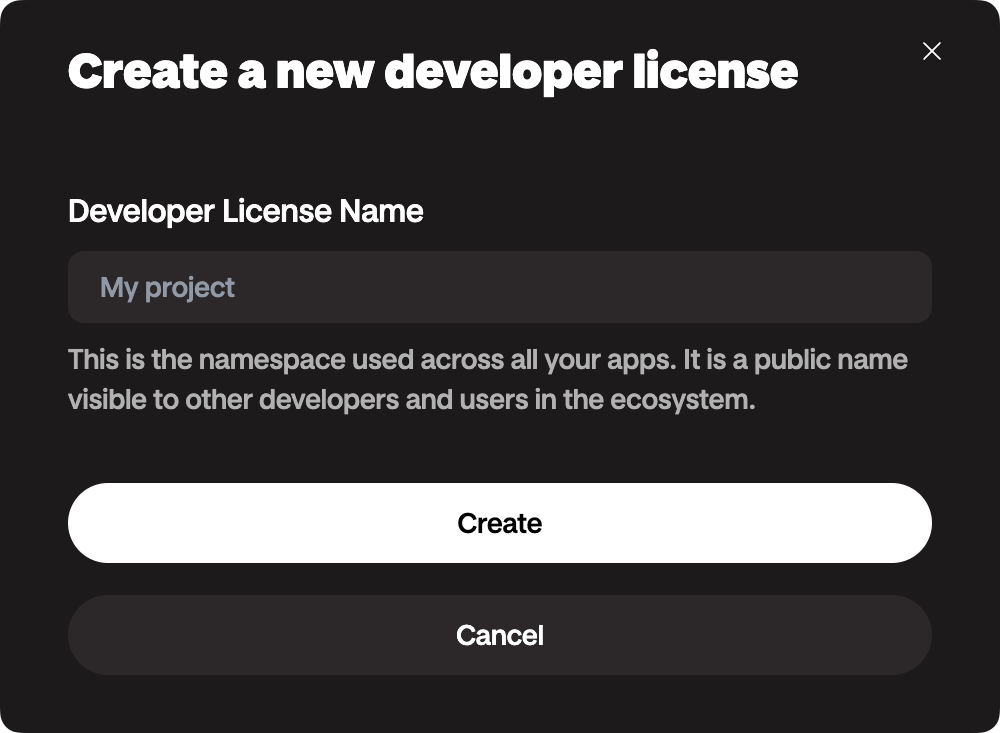
Once you're logged into your DIMO Account, simply give your license a name and hit
Create.
Configure Your License
- Generate at least a set of
API Keyand make sure you copy the secret and save it somewhere safe.
Save and store your keys in a secure vault, as DIMO will only display this key once during generation and will not store your API secrets. We highly recommend that you rotate your API Keys on a regular basis for enhanced security.
- Configure at least one
Redirect URI, this is used for both authentication and for redirecting users back to your application when you're building a client-side flow with DIMO.
A Redirect URI should be a valid domain (ideally some domain you own) and must include http:// or https://.
You're also welcome to use localhost while you're in the build phase.
Sharing Your License
Locate the Token ID, Client ID, and Redirect URI from your Developer License.
Share these with anyone that's working with you on your app.
For API Keys, please follow our best practices and share using a secured vault.
Using Your License
You will need a Developer JWT in order to start interacting with most APIs, go to the next section to learn more about authentication.
About Your License
Here are the key components to your Developer License: